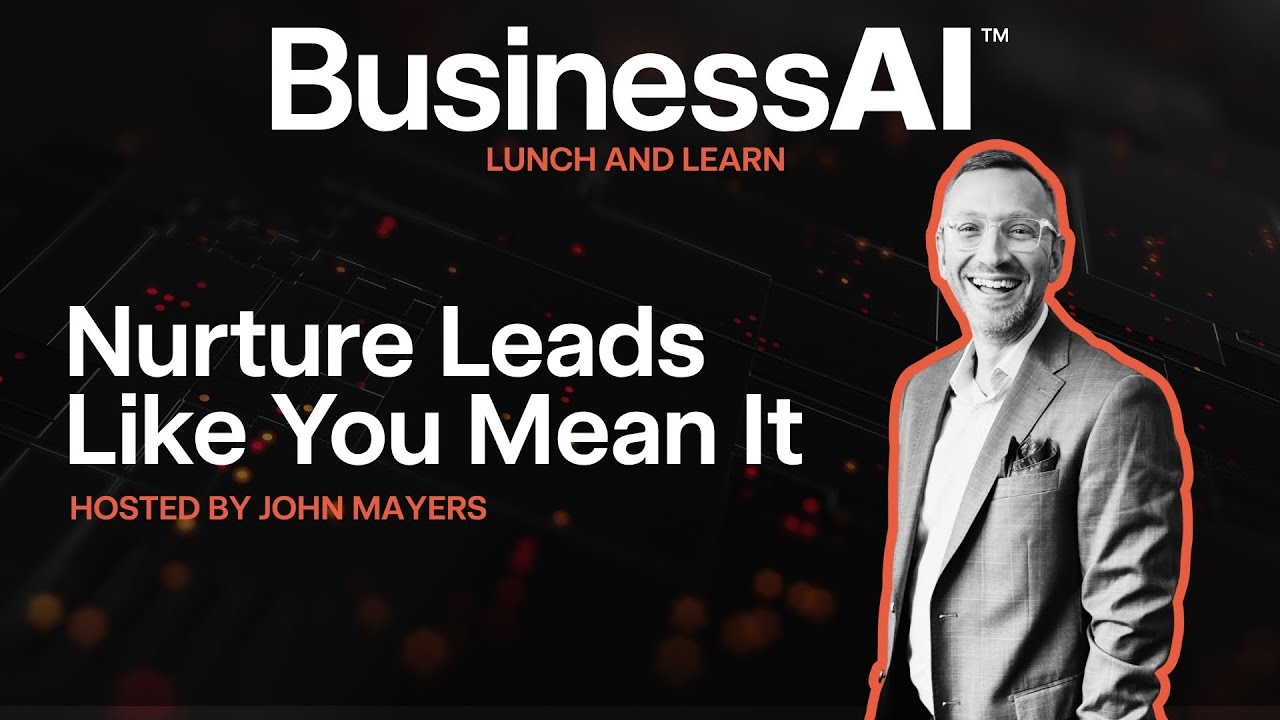


Lunch & Learn

Leading people in the AI age

BusinessAI Lunch & Learn · Wednesday 21 October 2026 · Microsoft Teams

What to expect

Watch first

Charlotte Hall walks through the seven shifts that decide whether your team adopts AI or quietly resists it. Then we build the pack live, starting with the one page that does most of the work.

Session recording

Replay publishes here after the session.

Watch the full session

The whole Lunch & Learn, including the live build and every prompt on this page.

Presented by

Charlotte Hall, VP People & Performance at Sansoni Group, in a portrait photo

Charlotte Hall

VP People & Performance, Sansoni Group

Leads people and performance across Sansoni Group. Brings the seven shifts and what they look like when a team actually goes through them.

Brandon Burns, Head of Experience at BusinessAI, in a portrait photo

Brandon Burns

Head of Experience, BusinessAI

Builds the pack live on screen, so you can see exactly how long it takes.

Most teams are already using AI. Most owners just don't know where, because nobody has told their people what's allowed. That silence is the real problem, and it costs you your best staff. This session is about fixing it in an afternoon.

Things you can build from this session

What you see us build

The team brief, so Claude knows who actually works for you and what they do
The AI ground rules one-pager, built live from a blank page in about four minutes
A role-by-role map of where AI takes work off each person and what it frees them up for
A four-week path for getting the team genuinely using it, not just told about it
What you'll get out of it

Three things you walk out with

Build an AI ground rules one-pager for your business

So your team stops guessing what they're allowed to use, and stops hiding it when they do.

Map every role to where AI helps

So your best people can see their future in the business instead of quietly fearing it.

Walk out with a four-week path and a conversation script

So the week after the webinar actually looks different, not just the hour of it.

Do's and don'ts

Help your team adapt without fear

Do

  • Say out loud that nobody is losing their job because of this. If that's true, say it first, say it plainly, and say it before anyone asks.
  • Write down what's fine to use AI for without asking. Most fear is just people not knowing where the line is.
  • Name the things that still need a human decision, and say why. Judgement is the job now, so make it sound like a promotion, not a restriction.
  • Ask your team where they're already using it, and make it safe to answer honestly. You will learn more in that one conversation than in a month of guessing.
  • Let people keep the time AI saves them, at least at first. If every hour saved gets filled with more work, they will stop telling you what they automated.
  • Pick your most sceptical person and give them something small and genuinely useful. Sceptics who turn become your best advocates.
  • Put the ground rules somewhere everyone can see, and date them. A living document beats a policy nobody opens.
  • Review it after a month. Something in it will be wrong, and changing it publicly builds more trust than getting it right first time.

Don't

  • Don't announce AI with a productivity target attached. Every person in the room will hear headcount, whatever words you use.
  • Don't roll it out quietly and hope people work it out. Silence reads as something being hidden.
  • Don't let the ground rules be written by AI and published without your people reading them. Draft with it, then have an actual human sign off.
  • Don't put client data, personal information or anything commercially sensitive into a tool you haven't checked. Strip names and numbers out first.
  • Don't let it become a status game where the fast adopters get the praise and everyone else feels behind.
  • Don't treat one training session as the job done. Four weeks of small steps beats one big launch.
  • Don't ask people to be honest about their AI use and then use the answers against them. You get one shot at that.
The talk in one view

The seven shifts

Three shifts about leading people through AI, four about winning the war for top talent. This is Charlotte's whole talk on one screen.

Where a manager's week goes

A manager's week today

35%
25%
25%
15%

A month into the new routine

15%
10%
20%
55%
Reporting and adminChasing updatesMeetingsBacking people

Illustrative only. The point is the direction of travel: less reporting and chasing, more time backing your people.

AI AGE · 01

Skills→Judgement

AI has no judgement. Someone still has to supply it.

AI AGE · 02

Certainty→Psychological safety

Unspoken fear breeds hidden AI use. Name it instead.

AI AGE · 03

Hierarchy→Trust based leadership

AI is the forcing function for the delegation you've been avoiding.

TOP TALENT · 04

Salary→Leverage

You're not competing on pay. You're competing on how much faster you make them.

TOP TALENT · 05

Post and pray→Recruitment marketing

Your best candidates scroll video before they ever read a job ad.

TOP TALENT · 06

Job security→Relevance security

They don't fear being fired. They fear becoming irrelevant.

TOP TALENT · 07

Managing→Backing

Your best people don't want managing. They want backing.

Charlotte's challenge for the month: have one direct, honest conversation with your team about AI, launch one recruitment video, and have one real backing conversation with a top performer.

Before you build

Six questions to answer first

These are the six questions Aaron Sansoni put to Charlotte on stage at ESUM. They are the ones worth sitting with before you build anything. Answer them for your business and the steps below write themselves.

  1. 01

    If it's not money, why are our best people really leaving?

    Most exit interviews get a polite answer. The real one is usually about the next twelve months, not the last pay review.

  2. 02

    What should actually get handed to AI or a VA right now?

    Not what could be, in theory. What you would hand over this week if someone made you.

  3. 03

    What's really stopping owners letting go of that stuff themselves?

    Usually it isn't trust in the person. It's that the standard only exists in your head.

  4. 04

    AI is doing the easy bits now, so what does a high performer need to bring?

    If the first draft is free, the value moves to knowing which draft is wrong and why.

  5. 05

    How do you help your best people stay ahead, not just stay good at today's job?

    Good at today's job is exactly what people fear becoming. It's a ceiling, not a compliment.

  6. 06

    Managing vs backing, what's the real difference?

    Managing is checking the work. Backing is carrying the risk when they get it wrong.

Work through all six with Claudeprompt
I'm going to work through six questions about my team and AI. Ask me them one at a time, in this order, and wait for my answer before moving on. Push back if my answer is vague or if I'm giving you the polite version instead of the real one.

1. If it's not money, why are my best people really leaving?
2. What should actually get handed to AI or a VA right now?
3. What's really stopping me letting go of that stuff myself?
4. AI is doing the easy bits now, so what do my high performers need to bring?
5. How do I help my best people stay ahead, not just stay good at today's job?
6. Managing versus backing, what's the real difference for me?

When we've done all six, write me a one page summary of what I actually said, in plain Australian English, and tell me which two things I should do first. Save it to this project so you can use it later.
A small team gathered around a laptop, working through AI together

The best AI rollout is a conversation, not an announcement.

Build your people pack

Seven steps. Follow along in order.

Each step is small. Do one, tick it off, move to the next. Every prompt has a copy button, so there's nothing to retype.

  1. 1STEP 1 OF 7

    Create the project

    Open Claude, click Projects, then New project. Call it "People and AI". Everything this week lives in here, so Claude keeps your team's context between chats instead of starting cold each time.

  2. 2STEP 2 OF 7

    Write your team brief

    This is the file that makes everything after it specific to your business instead of generic. Paste this into the project chat.

    Paste into the project chatprompt
    I want to build a short brief about my team so you understand who works here before we do anything else. Ask me one question at a time, wait for my answer, then ask the next.
    
    Cover: what the business does and roughly how many people, each person or role and what they actually spend their week doing, who is confident with technology and who isn't, anything that has already been said to the team about AI, and anything I think people are quietly worried about.
    
    Keep the questions short and plain. When we're done, write it up as a one page team brief in plain Australian English and tell me to save it to the project so you can use it from now on.
  3. 3STEP 3 OF 7

    Build the AI ground rules one-pager

    This is the one that does the heavy lifting. It turns a vague worry into a page people can read.

    Paste into the project chatprompt
    Using the team brief in this project, write a one page document called "How we use AI here".
    
    Three sections:
    1. What you can use AI for without asking anyone
    2. What you can use it for, but a human checks before it goes out
    3. What we don't put into AI tools at all
    
    Write it for the people in my team, not for lawyers. Plain Australian English, short sentences, no jargon, no em dashes. Open with two sentences saying plainly that nobody is losing their job over this and that we would rather people use it openly than quietly.
    
    Base the examples on the actual roles in my team brief, not generic office examples. Keep the whole thing to one page.
  4. 4STEP 4 OF 7

    Sanity check before you share it

    Do not skip this one. The draft will be close, but it will have at least one thing wrong for your business.

    Paste into the project chatprompt
    Read back the ground rules you just wrote and challenge them.
    
    Tell me: anything in there that would be unrealistic for my team to actually follow, anything in the "without asking" list that should really need a check, anything I've left out that someone in my team is likely to try, and any sentence that would read as a threat rather than permission.
    
    Be blunt. I would rather fix it now than after I've sent it to everyone.
  5. 5STEP 5 OF 7

    Build the role-by-role relevance map

    This is the answer to the fear that nobody says out loud, which is "does this make me unnecessary".

    Paste into the project chatprompt
    Using the team brief, go through each person or role one at a time and write a short section for each.
    
    For each one: the parts of their week AI can genuinely take off them, roughly how much time that is back, and the more valuable work that time goes into instead. End each section with one sentence about what that person becomes better at, not just faster at.
    
    Write it so I could hand each person their own section in a one on one without editing it. Honest, not inflated. If AI can't help much with a role, say so plainly rather than making something up.
  6. 6STEP 6 OF 7

    Build the four-week team path

    One session teaches nobody anything. This is what the month after looks like.

    Paste into the project chatprompt
    Build me a four week plan for getting my team actually using AI, based on the team brief.
    
    For each week: one thing they learn, one small task they try on real work, and what good looks like by Friday. Week one should be something anyone can do in ten minutes with no setup.
    
    Keep it realistic for people who are busy and not technical. No homework that takes an hour. At the end, tell me what I should be doing each week as the person leading it, including what to say in the Monday catch up.
  7. 7STEP 7 OF 7

    Prepare the honest conversation

    Charlotte's call to action is one direct conversation with your team this month. This gets you ready for it.

    Paste into the project chatprompt
    Write me two things.
    
    First, five anonymous survey questions I can send my team before we talk, that will actually surface where they're already using AI and what they're worried about. Make it feel safe to answer honestly, not like a compliance check.
    
    Second, a twenty minute script for the conversation itself. Include how I open it, the exact words for saying nobody is losing their job, the two questions I ask and then shut up and listen to, how I respond if someone admits they've been using AI without telling me, and how I close it so people leave with something to do.
    
    Plain Australian English. Write it so it sounds like me talking, not a HR document being read out.

Once steps 3 to 7 are working, save them as a Claude skill so you can rerun the whole lot next time you hire someone or change the team. Ask Claude to turn them into a skill and it will walk you through it.

What the four weeks look like

Week 1

Say it out loud

Week 2

Try one small thing

Week 3

Share what worked

Week 4

Review the rules

Templates

Templates you walk away with

GROUND RULES

Sample AI ground rules one-pager

An example of the "How we use AI here" page from step 3, with the three sections filled in.

Download coming soon
FOUR WEEKS

Sample four week team path

An example of the plan from step 6: what the team learns, tries and finishes each week.

Download coming soon

Sample documents are examples only. Build your own from the steps above so they match your actual team.

The adoption cycle

Four steps to a team that actually uses it

01

Name it

Say out loud where AI is already being used and what people are worried about

02

Map it

Write down what's allowed, what needs checking and what's off limits

03

Teach it

Four weeks of small steps on real work, not one big launch

04

Back it

Hand the decisions over, and keep backing the people making them

Most teams stall at step one. Saying it out loud is what unlocks the rest.

Worked examples

What it looks like in a real business

Landscaping and retaining wall supply, 9 staff

The Situation

The owner found out two of his team had been using AI to write quotes for months and never mentioned it, because they assumed they'd get in trouble.

What They Did

Wrote the ground rules one-pager, put quoting in the "use it, a human checks before it goes out" list, and said so in a Monday meeting.

What Changed

Quoting stayed fast and got consistent, because it was finally a process instead of a secret. Nobody had to hide anything.
Labour hire and recruitment, 14 staff

The Situation

Two good consultants left in a year. Neither left for more money. Both said they felt like the work wasn't going anywhere.

What They Did

Built the role-by-role map and walked each person through their own section in a one on one.

What Changed

The conversation stopped being about pay and started being about what each person was going to be good at in twelve months. Both remaining senior consultants asked for more, not less.

Disability support provider, 22 staff

The Situation

Support workers were nervous that AI meant fewer hours, and nobody had said anything either way.

What They Did

Opened with the plain line that nobody was losing their job, put all client information firmly in the "never goes in" list, and ran the four week path on rostering and reporting admin only.

What Changed

The fear dropped once the boundary was clear and in writing. Admin time came down and the hours stayed with clients.

These are composites built from real BusinessAI client situations, with details changed.

What you can and can't connect

Straight answers on integrations

Works Today

  • Microsoft 365, including Outlook mail and calendar, Teams chat and channel messages, and SharePoint files
  • Gmail, to read, search, draft, send and label email
  • Slack, to read channels and threads and send or schedule messages
  • Fathom, to pull summaries and transcripts from recorded calls

Not Confirmed

  • Your HR or payroll system. Check before assuming it connects.
  • Pushing into a CRM, which works if your CRM connects through Zapier. Confirm yours before relying on it.
At a glance

The session in numbers

7

Shifts Charlotte walks through

1 page

The document that does most of the work

4 weeks

From told about it to actually using it

20 min

The conversation that changes the most

Questions from the room

Ask a question anytime below and we'll respond ASAP.

Live

Questions from the room

Asked 0 · Answered 0 · Waiting 0
Straight from our weekly Q&A

Questions we get every week

On security

Turn off delete permissions on connected tools and use Claude's approval workflow, so nothing happens without a review first.

On automation

Record a repetitive task once as a Claude skill, then just say "do the thing" and Claude runs the whole workflow from there.

On marketing

Use AI for hyper-personalised outreach and to query ad performance in plain language, so you're not relying purely on an agency for insight.

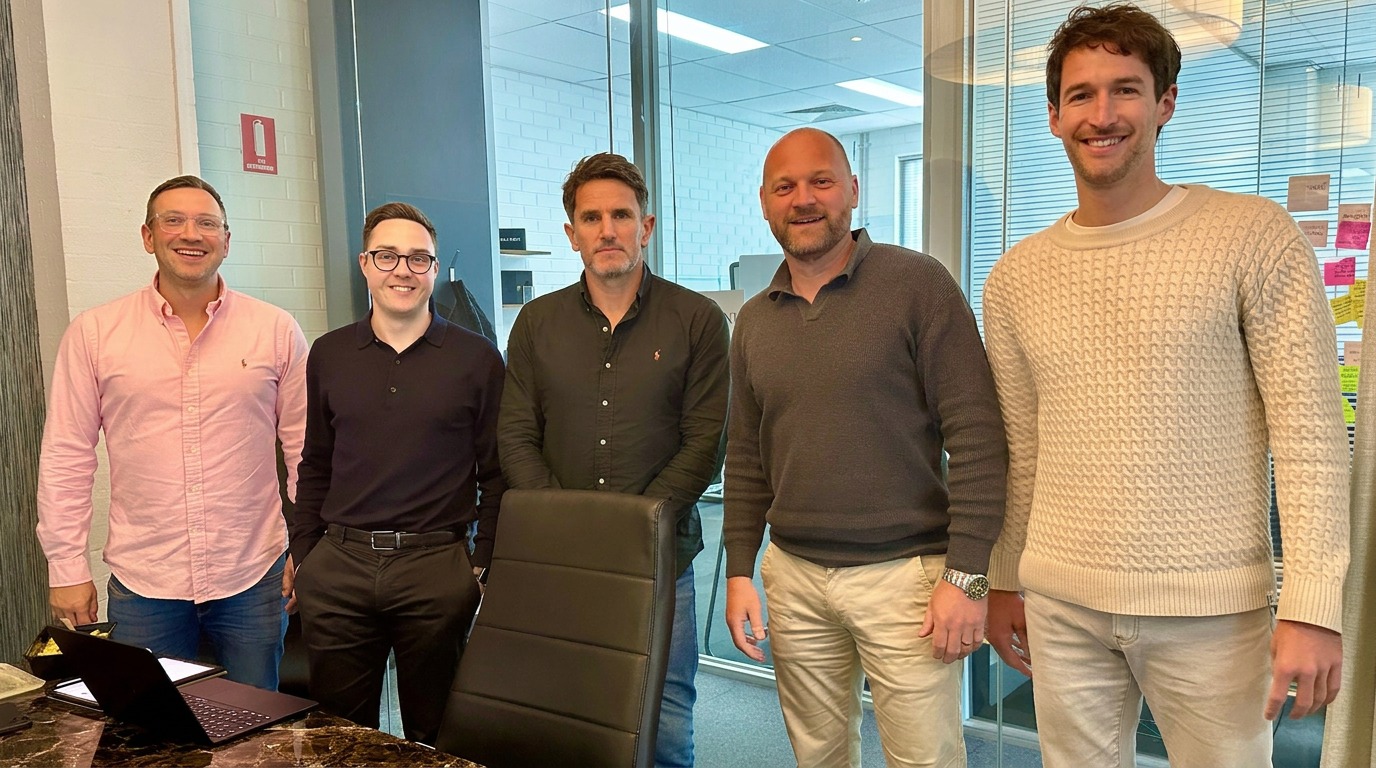
The BusinessAI team.
Meet the team

The people behind BusinessAI

We build this stuff with businesses every week, then leave the prompts here so you can take them straight back to your own.

Portrait of Aaron Sansoni, Founder at BusinessAI

Aaron Sansoni

Founder

Portrait of Rhys Henderson, Chief Executive at BusinessAI

Rhys Henderson

Chief Executive

Portrait of Charlotte Hall, VP People & Performance at BusinessAI

Charlotte Hall

VP People & Performance

Portrait of Arsedian Ivan, Director of AI & Product at BusinessAI

Arsedian Ivan

Director of AI & Product

Portrait of John Mayers, Director of Consulting at BusinessAI

John Mayers

Director of Consulting

Portrait of Fergus Lundy, Director of Sales at BusinessAI

Fergus Lundy

Director of Sales

Portrait of Brandon Burns, Head of Experience at BusinessAI

Brandon Burns

Head of Experience

Portrait of Josh Telford, Senior AI Strategy Consultant at BusinessAI

Josh Telford

Senior AI Strategy Consultant

Portrait of Marty Astbury, AI Strategy Consultant at BusinessAI

Marty Astbury

AI Strategy Consultant

Portrait of Brayden Tayler, Technical Product Manager at BusinessAI

Brayden Tayler

Technical Product Manager

Portrait of Mariella Liezl Perez, AI Engineer at BusinessAI

Mariella Liezl Perez

AI Engineer

Portrait of Brendan Coyne, AI Growth Partner at BusinessAI

Brendan Coyne

AI Growth Partner

Portrait of Jacob Kearnes, AI Growth Partner at BusinessAI

Jacob Kearnes

AI Growth Partner

Want this built properly, with your actual team?

We do this with business owners every week. One call and we'll map where AI fits your people, not just your tools.